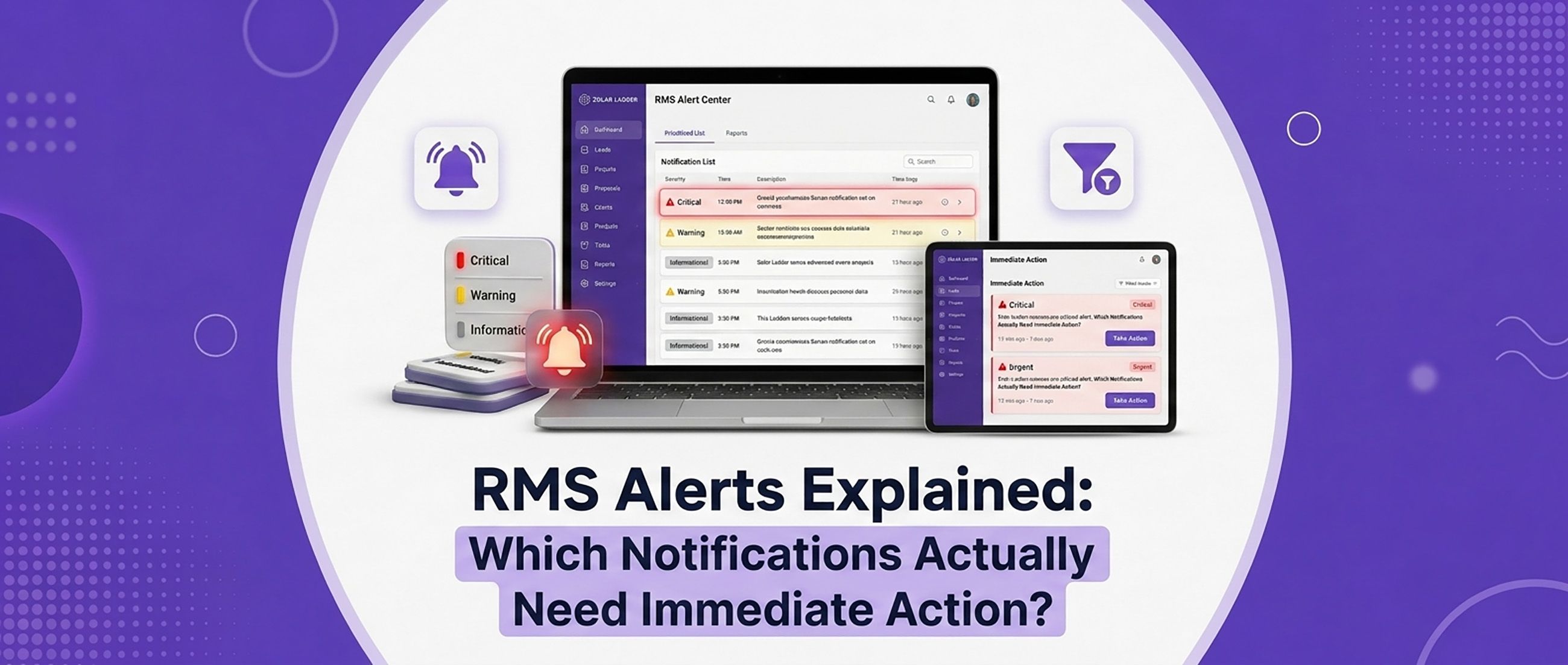
TL;DR A Remote Monitoring System (RMS) is only valuable if your team knows which alerts require immediate action and which are informational. Treating every notification as urgent wastes time, while ignoring critical alerts can lead to energy losses and unhappy customers. By categorizing alerts based on severity and managing them through an integrated O&M platform, Solar EPC companies can improve uptime, reduce service costs, and deliver better customer support.
RMS Alerts Explained: Which Notifications Actually Need Immediate Action?
Every Solar EPC company has experienced it.
Your phone starts buzzing.
An inverter has gone offline.
Another customer reports low generation.
A monitoring dashboard shows a communication failure.
Five minutes later, another notification appears.
Then another.
Soon, your service team is overwhelmed by alerts without knowing which one deserves immediate attention.
The problem isn't having too many alerts.
The problem is treating every alert as equally important.
A modern Remote Monitoring System (RMS) should help your team identify genuine issues, prioritize service activities, and prevent unnecessary site visits.
Let's explore which notifications need immediate action—and which ones can be handled later.
Why RMS Alerts Matter
An RMS continuously monitors the performance of installed solar plants by collecting data from inverters and other connected equipment.
It provides visibility into:
- Energy generation
- Plant performance
- Equipment status
- Fault conditions
- Communication health
- Historical trends
Without monitoring, customers often discover problems only after receiving a higher electricity bill.
With RMS, your team can identify issues proactively.
Not Every Alert Is an Emergency
One of the biggest mistakes Solar EPC companies make is reacting to every notification immediately.
This creates:
- Alert fatigue
- Unnecessary service visits
- Increased operational costs
- Lower technician productivity
Instead, classify alerts by priority.
🚨 Priority 1: Alerts That Require Immediate Action
These alerts can directly affect system performance or customer satisfaction and should be investigated as soon as possible.
1. Inverter Offline
If an inverter remains offline unexpectedly, the plant may stop generating electricity.
Possible causes include:
- Power supply issues
- Hardware faults
- Communication failures
- Protection trips
This should be one of your highest-priority alerts.
2. Zero Energy Generation During Peak Sunlight
If a plant reports zero generation during normal daylight hours, immediate investigation is required.
Potential reasons include:
- Inverter shutdown
- AC breaker trip
- DC isolation issue
- Grid failure
- Equipment malfunction
Ignoring this alert can result in significant energy losses.
3. Critical Fault Codes
Modern inverters generate fault codes indicating:
- Internal hardware failures
- Insulation faults
- Overcurrent protection
- DC faults
- Grid synchronization issues
These alerts often require technical diagnosis and should not be ignored.
4. Frequent System Shutdowns
Repeated shutdowns may indicate:
- Voltage instability
- Overheating
- Grid quality issues
- Equipment failure
Even if the inverter restarts automatically, recurring events deserve prompt attention.
⚠️ Priority 2: Alerts That Need Investigation
These alerts may not require immediate dispatch but should be reviewed within the same business day.
Communication Failure
Sometimes the monitoring platform temporarily loses internet connectivity.
Possible reasons include:
- Wi-Fi interruption
- SIM network issues
- Router restart
The plant may continue generating electricity normally.
Verify communication before scheduling a site visit.
Lower-than-Expected Generation
Generation may decrease because of:
- Cloud cover
- Seasonal variation
- Dust accumulation
- Partial shading
Compare historical performance before concluding that a fault exists.
Performance Ratio Variations
A temporary drop in performance ratio may not indicate equipment failure.
Review:
- Weather conditions
- Irradiance
- Temperature
- Historical production
Look for consistent trends instead of isolated events.
ℹ️ Priority 3: Informational Alerts
These alerts are useful for reporting but usually don't require immediate action.
Examples include:
- Daily generation summaries
- Weekly performance reports
- Monthly energy reports
- Successful inverter restart notifications
- Scheduled maintenance reminders
These notifications help with preventive maintenance and customer communication.
Avoid Alert Fatigue
If technicians receive hundreds of notifications every day, they eventually begin ignoring them.
To avoid alert fatigue:
- Categorize alerts by severity.
- Eliminate duplicate notifications.
- Use escalation rules.
- Create technician-specific alert groups.
- Review recurring alerts regularly.
The goal is to make every urgent notification meaningful.
Connect RMS with O&M
Monitoring becomes significantly more valuable when connected to an Operations & Maintenance (O&M) workflow.
For example:
- RMS detects an inverter fault.
- A service ticket is created automatically.
- A technician is assigned.
- Site visit status is tracked.
- Resolution notes are recorded.
- Customer receives updates.
Instead of manually coordinating every issue, your team follows a structured workflow.
Use RMS Data to Improve Customer Satisfaction
Customers appreciate proactive service.
Imagine calling a customer and saying:
"We've noticed your inverter has stopped generating power. Our service team is already investigating the issue."
Instead of waiting for complaints, you're demonstrating professionalism and reliability.
This builds trust and increases the likelihood of:
- AMC renewals
- Positive reviews
- Customer referrals
- Repeat business
How Solar Ladder Helps You Manage RMS Alerts
Solar Ladder provides an integrated platform that combines RMS with Project Management, CRM, and O&M, helping Solar EPC companies manage post-installation service efficiently.
📡 Remote Monitoring System (RMS)
Monitor installed plants through:
- Live inverter status
- Daily energy generation
- Performance analytics
- Fault notifications
- Weekly generation reports
- Historical performance trends
Prioritize alerts based on severity instead of responding to every notification equally.
🔧 O&M Management
Convert RMS alerts into organized service workflows.
Manage:
- Service requests
- Preventive maintenance
- Technician assignments
- AMC schedules
- Warranty tracking
- Service history
This ensures every issue is documented and resolved efficiently.
👥 CRM
Maintain complete customer records, including:
- Installation details
- Equipment information
- Warranty status
- Previous service requests
- Communication history
Support teams always have the full context before contacting customers.
📋 Project Management
Track project completion, commissioning, documentation, and handover so operations teams have accurate records before taking over long-term maintenance.
☀️ 3D Solar Design & Instant Proposals
Maintain access to:
- Original system layouts
- Module placement
- Equipment specifications
- Proposal history
These records help technicians troubleshoot systems more efficiently.
Best Practices for Managing RMS Alerts
- Define alert severity levels before deployment.
- Respond immediately to inverter offline and critical fault alerts.
- Verify communication failures before dispatching technicians.
- Compare generation with weather conditions before escalating.
- Integrate RMS with O&M workflows.
- Record every service activity.
- Analyze recurring alerts to identify long-term issues.
- Share performance reports with customers regularly.
- Review alert settings periodically to reduce unnecessary notifications.
Conclusion
An RMS should simplify operations—not overwhelm your service team.
By distinguishing between critical faults, operational warnings, and informational notifications, Solar EPC companies can prioritize technician time, reduce unnecessary site visits, and improve customer satisfaction.
When combined with CRM, Project Management, and O&M, Solar Ladder transforms monitoring data into actionable service workflows that keep solar plants performing at their best.
The result is faster issue resolution, better customer communication, and stronger long-term relationships.
Frequently Asked Questions
A Solar Remote Monitoring System (RMS) continuously monitors the performance of solar plants by tracking energy generation, inverter status, communication health, and equipment performance.
Critical alerts such as inverter offline status, zero generation during daylight hours, repeated system shutdowns, and major inverter fault codes should be investigated immediately.
RMS enables Solar EPC companies to identify and resolve issues proactively, reducing downtime and keeping customers informed before they experience major problems.
Solar Ladder integrates RMS, O&M, CRM, Project Management, 3D Solar Design, and Instant Proposals into one platform, helping Solar EPC companies monitor plant performance, prioritize alerts, manage service requests, and deliver faster customer support.